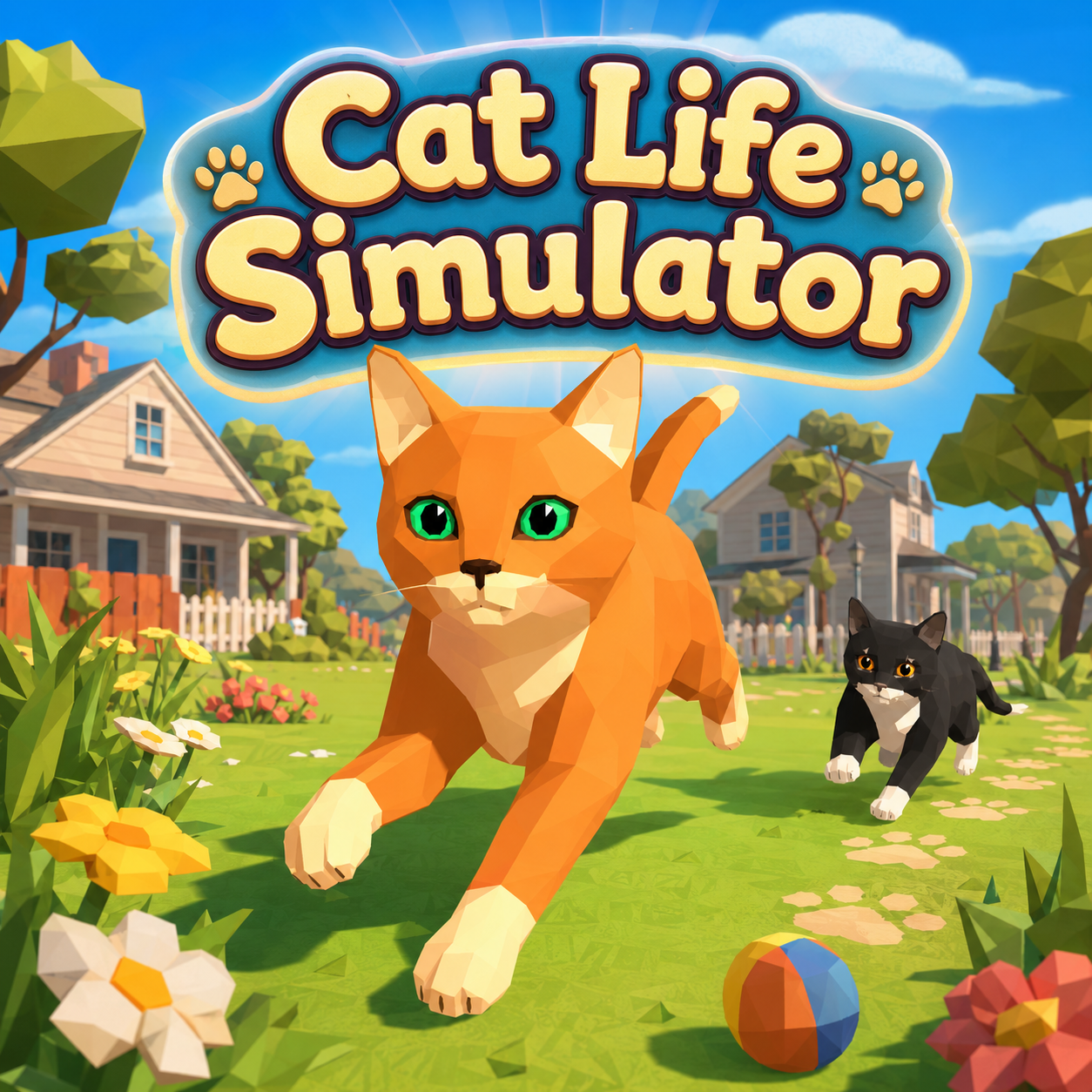
Cat Life Simulator
Cat Life Simulator Mods Game

Fireboy And Watergirl 6 Fairy Tales

Baldis Basics Classic Remastered

Mineland

Clicker Noob Millionaire

Deadshot Io

Tap Road 2

Racing Pop
Blue Mushroom Cat Run

Epic Road Idle

2048 Snakeio

Basketball Stars

Super Runcraft

Street Escape

Sprunki Phase 25

Sprunki Phase 24
Fish Dive
Sprunki Phase 21

Granny 6

Little Dino Adventure Returns
Sprunki Symphony Of Pride







How To Play Cat Life Simulator
Upon starting, players first create their cat by assigning a name, selecting gender, and customi
Cat Life Simulator Wiki
Summary
Cat Life Simulator is a 3D open-world adventure that invites players to experience existence through the eyes of a feline. Beginning as a small kitten, you are free to roam a variety of handcrafted environments—from quiet rural farmhouses and dense forests to sunlit beaches and bustling towns. The game blends exploration, quest completion, skill progression, and life simulation into a cohesive journey. Every action, from catching mice to decorating a home, contributes to a living narrative that evolves alongside your character. Rather than a linear series of challenges, Cat Life Simulator presents a persistent, player-driven story where choices shape the cat’s growth, relationships, and ultimate place in the world. The result is a relaxed yet deeply engaging experience that rewards curiosity, patience, and a touch of mischief.
zing appearance. This initial customization can be adjusted later as the cat grows, ensuring the look matches your evolving vision.
Movement is controlled via the WASD or Arrow keys, while the mouse allows you to look around. Core actions include:
- Jump (Spacebar) – to leap onto platforms, furniture, or over obstacles.
- Attack (Left mouse button or Ctrl) – for hunting small animals or defending against threats.
- Interact (E) – to talk to characters, pick up objects, open doors, or meow.
- Walk (Shift) – to move silently, useful for sneaking up on prey or avoiding enemies.
- Character Menu (I) – view your cat’s stats, inventory, and quest log.
- Lock/Unlock cursor (L) – to toggle between free mouse control and game-locked view.
The minimap displayed on screen helps navigate between locations and locate quest markers. To begin a mission, approach a non-player character and press E. The objective marker will guide you, but successful completion often requires searching the environment for clues, tracking animals, or solving simple puzzles. Combat is straightforward: attack smaller creatures for food or quest items, while larger opponents demand improved attributes and tactical positioning. Experience and resources earned from quests and hunting allow you to upgrade abilities, cook meals, and purchase home decorations. As the story unfolds, your cat can find a partner, raise a litter of kittens, and build a legacy that gives each action lasting meaning.
Key Features
- Immersive Feline Perspective – The entire game world is designed to be explored from a cat’s height and agility, encouraging players to jump onto rooftops, crawl through gaps, and investigate nooks that a human character would miss.
- Rich Environment Variety – Multiple distinct biomes—houses, farms, forests, beaches, towns—each filled with interactive objects, hidden collectibles, and unique characters. A minimap prevents disorientation.
- Quest-Driven Progression – Missions range from catching mice and protecting chickens from foxes to recovering lost items and solving neighborhood disputes. Each quest provides experience and resources that feed into long-term development.
- Life Simulation Elements – Beyond combat and exploration, the cat can cook food, collect rare objects, unlock achievements, and furnish a home. The ability to find a partner and raise kittens adds a family dynamic that transforms the game into a genuine life simulator.
- Ongoing Customization – Appearance is not locked at creation; players can adjust their cat’s look as it matures, ensuring the avatar reflects its journey.
- Open-Ended Play Style – No forced linearity. You can follow main objectives, wander off to discover hidden treasures, compete in optional challenges, or simply spend time decorating. Nearly every activity yields something useful, be it food, experience, collectibles, or access to new life stages.
Precautions/Tips
- Master the Controls Early – Practice jumping and attacking in safe areas before taking on quests. The shift-to-walk function is essential for approaching skittish animals or avoiding hostile creatures.
- Keep an Eye on the Minimap – The world is larger than it first appears. Use the minimap to track quest markers and your own position. If you feel lost, open the character menu (I) to review your current objectives.
- Manage Stamina and Resources – While the game does not feature a traditional hunger bar, food items you cook or collect can be used to restore health or boost attributes. Always carry a reserve.
- Be Patient with Combat – Rushing into fights against larger predators will likely result in failure. Improve your cat’s strength and agility through quest rewards before taking on tough opponents. Use environment obstacles to your advantage.
- Explore Thoroughly – Hidden collectibles and treasures are often off the main path. Check behind buildings, inside barrels, and under ledges. These items can unlock special decorations or rare achievements.
- Save Progress Regularly – Although the game may auto-save at checkpoints, it is wise to manually secure progress after completing major milestones. No explicit save button is listed, but look for save points in safe houses or after key events.
- Think Long-Term – Decisions such as choosing a partner or investing in home upgrades have ripple effects later. Raising kittens requires time and resources, so plan your schedule accordingly. There is no rush—enjoy the slow, deliberate pace that makes a cat’s life so appealing.
Cat Life Simulator Frequently Asked Questions
Q: What is Cat Life Simulator?
A: Cat Life Simulator is a 3D adventure that lets you experience the world from a cat’s perspective. You start as a small kitten, explore diverse environments, meet local characters, complete missions, develop abilities, and gradually build a complete feline life.
Q: How do I begin playing?
A: You start by creating a character. You can name your cat, select its gender, and customize its appearance before entering the game world.
Q: Can I customize my cat after the game starts?
A: Yes, customization remains available throughout the journey, allowing you to adjust your cat’s appearance as it grows.
Q: What environments can I explore?
A: The game includes quiet houses, farms, forests, beaches, and towns. Each area offers places to investigate and characters to meet.
Q: How do I navigate the world?
A: A minimap helps you navigate, locate objectives, and avoid getting lost while traveling between locations.
Q: What kinds of quests are available?
A: Characters may ask you to catch mice, protect chickens from a fox, recover missing objects, or solve other problems around the neighborhood.
Q: How do I accept and complete a quest?
A: Approach a character to accept a mission, then follow the objective marker or search the surrounding area for clues.
Q: How does hunting and combat work?
A: Hunting and combat use simple mechanics. You need to watch your position and choose suitable targets. Smaller animals provide food or mission progress, while stronger opponents require improved attributes and more careful attacks.
Q: What rewards do I get from completing quests?
A: Completing quests rewards your cat with experience and resources that support further development.
Q: How can I improve my cat’s abilities?
A: Your cat can improve its abilities by gaining experience from quests and other activities, as well as by cooking food and collecting resources.
Q: Can I cook food in the game?
A: Yes, your cat can cook food as part of its progression.
Q: Are there collectible items?
A: Yes, exploration can reveal collectible objects, useful resources, and hidden treasures away from the main route. You can also collect rare objects.
Q: Can I decorate a home for my cat?
A: Yes, you can purchase decorations for your home, and home decoration is one of the game’s activities.
Q: Can my cat start a family?
A: Yes, as the story develops, your cat can find a partner, start a family, and raise kittens.
Q: What activities are available in the game?
A: The game combines exploration, quests, hunting, collecting, competitions, home decoration, and family development in one accessible experience.
Q: Is there freedom to explore without following quests?
A: Yes, you can follow the main objectives or spend time discovering optional activities around the map. This creates a relaxed pace without removing progression.
Q: Does the game have a story?
A: Yes, there is a developing story that gives your decisions a lasting purpose, making the adventure feel like an evolving life rather than disconnected missions.
Q: What are the controls for Cat Life Simulator?
A: Use WASD or Arrow keys to move, Mouse to look around, Left mouse button or Ctrl to attack, Spacebar to jump, E to interact or meow, Shift to walk, I to open the character menu, H to hide the control guide, and L to lock or unlock the mouse cursor.
Q: Can I unlock achievements?
A: Yes, unlocking achievements is part of the game’s progression system.
Q: Is there a way to track my objectives?
A: Yes, the minimap helps locate objectives, and quests provide objective markers to guide you.